AutoCAD Electrical Alternative for Browser-Based Wiring Work
CircuitDiagramMaker is a practical AutoCAD Electrical alternative when the job is structured browser-based wiring documentation, synchronized schedules, review, and fast DXF/PDF handoff. It is not a replacement for native DWG authoring, Autodesk’s 65,000+ symbol ecosystem, SQL catalogue workflows, or large enterprise CAD standards.
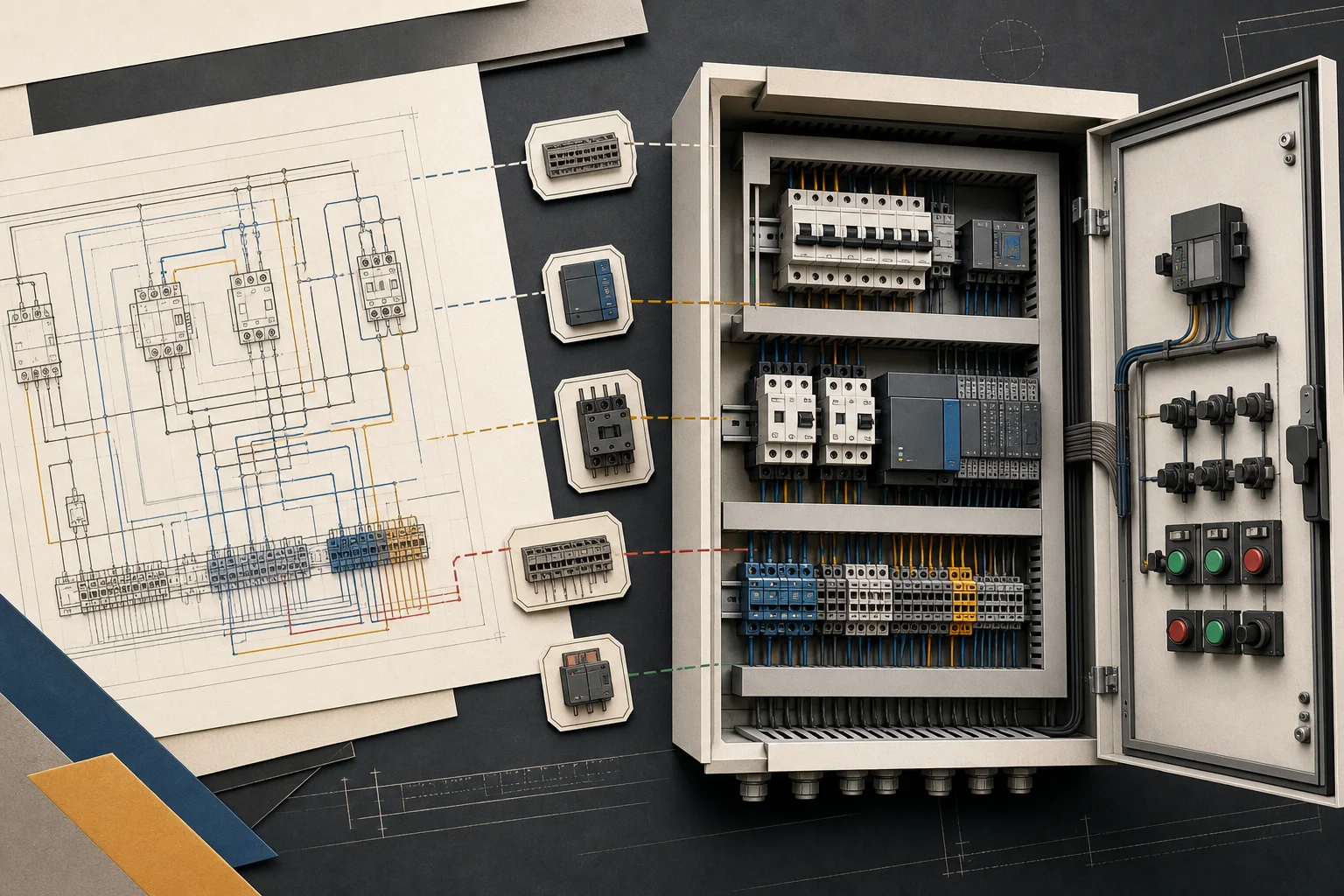






Choose CircuitDiagramMaker when
- You need a browser workflow with no desktop CAD installation.
- Your deliverables are wiring diagrams, control schematics, SLDs, schedules, reviews, and exported handoff files.
- You value built-in structured reports, supported-model simulation, and straightforward team review.
- The project does not require native DWG intelligence or an enterprise catalogue deployment.
Choose AutoCAD Electrical when
- Native DWG editing and established AutoCAD standards are mandatory.
- The organization relies on Autodesk Docs, Vault, SQL catalogues, or Autodesk-specific support files.
- You need the much larger AutoCAD Electrical symbol and manufacturer-content ecosystem.
- The project depends on mature Circuit Builder, spreadsheet-driven PLC drawing generation, or complex project-wide wire formats.
Workflow comparison
| Area | CircuitDiagramMaker | AutoCAD Electrical |
|---|---|---|
| Primary fit | Browser-based electrical drawing, structured data, schedules, review, and handoff. | Desktop AutoCAD environment with a mature electrical toolset. |
| Drawing formats | Editable project JSON; PDF, SVG, PNG, and DXF export. | Native AutoCAD/DWG workflow plus Autodesk ecosystem integration. |
| Automation | Device tags, wire numbers, PLC addresses, terminals, circuit macros, checks, and ten live reports. | Wire numbering, component tags, Circuit Builder, PLC drawing generation, cross-references, and configurable reports. |
| Libraries | 480+ symbols and reusable project device records. | Autodesk states 65,000+ intelligent symbols plus manufacturer catalogue content. |
| Panel work | Synchronized checked 2D placement, interactive 3D enclosure visualization, and GLB export. | Mature schematic/panel representations and terminal-strip workflows. |
| Review | Browser collaboration, anchored assignments, revision diff, and immutable releases. | Connected Autodesk support files, activity insights, and Autodesk Docs markup workflows. |
A low-risk migration test
- Export a representative AutoCAD Electrical project to PDF and DXF; keep the native DWG as the contractual archive.
- Create one CircuitDiagramMaker engineering project and import device, cable, or terminal records by CSV where useful.
- Rebuild one typical sheet with structured tags and run the live reports and checks.
- Compare the exported drawing, schedules, and review cycle against the team’s required DWG deliverables.
- Adopt only for the project classes that pass that acceptance check; keep AutoCAD Electrical where native CAD depth remains essential.
What this alternative does not replace
Do not position a browser editor as a complete AutoCAD Electrical replacement when customers exchange intelligent DWG files, maintain large SQL catalogues, depend on Autodesk Vault/Docs, or use company-wide AutoCAD automation. The credible wedge is faster electrical documentation for projects that end in reviewed PDF, CSV, SVG, PNG, or DXF handoff.