Automatic Wire Numbering Workflow
Quick answer: Wire numbering is a data-governance job, not a cosmetic text pass. A usable system assigns one stable identifier to each electrical net or conductor according to a documented rule, detects duplicates and missing endpoints, and carries the same identity into drawings, terminal schedules, cable schedules, labels, and revisions.
User job: Turn connected diagram topology into consistent wire identities and assembly labels.
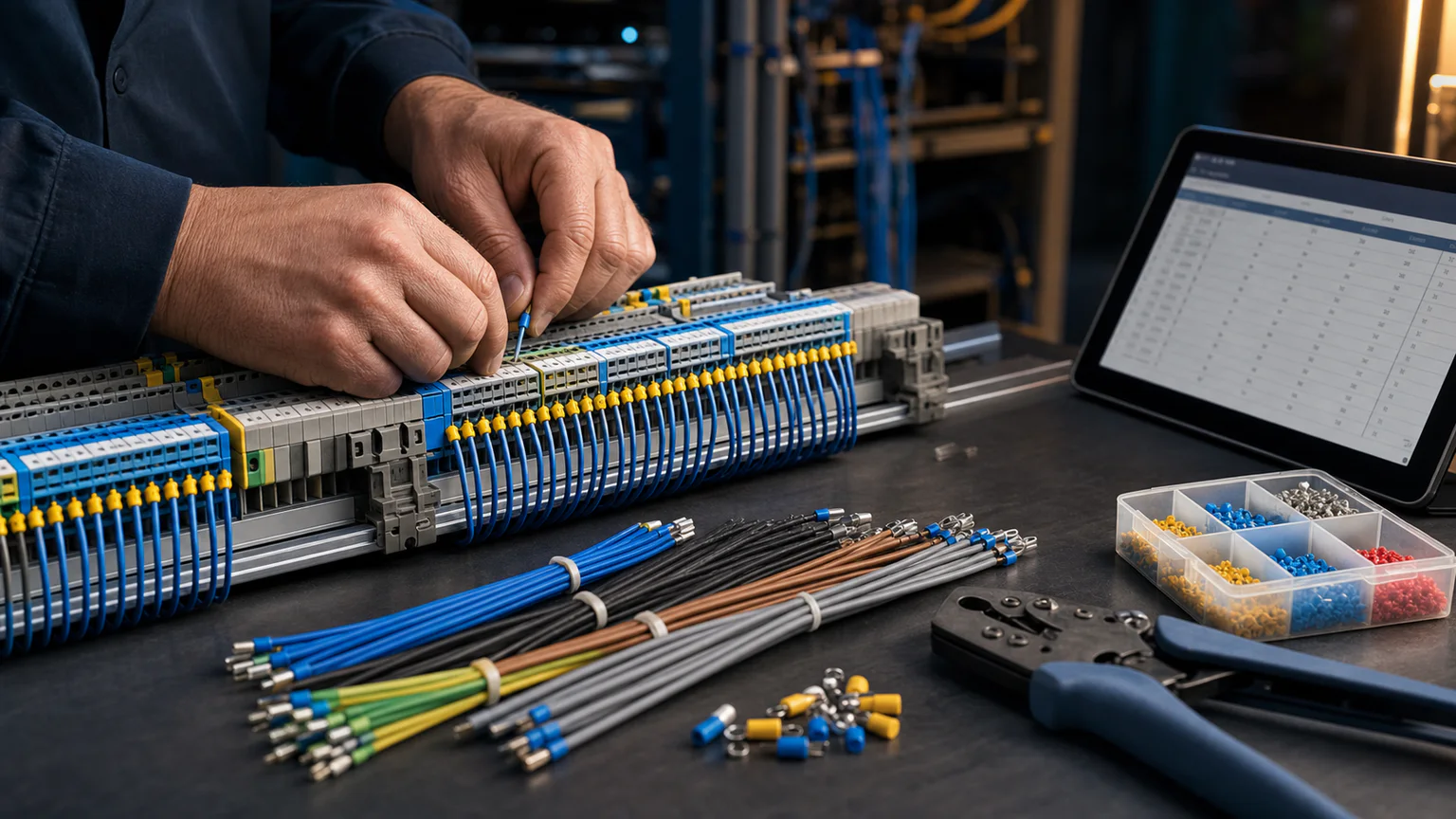


Worked example
In a three-sheet motor-control project, the control supply, start circuit, seal-in branch, overload return and field conductors keep their identifiers at every off-page continuation. A revision adds one branch without silently changing all existing labels.
Step-by-step workflow
- Choose a project numbering rule and reserve prefixes
- Connect registered device pins across every sheet
- Assign identifiers by net or point-to-point conductor
- Review duplicates, gaps, continuations and manual overrides
- Export wire labels and the matching from-to schedule
Outputs and deliverables
- Numbered multi-sheet drawing
- Wire-label list
- From-to schedule
- Override and exception record
- Revision-stable identifiers
Quality checks before issue
- Every numbered conductor has valid endpoints
- Off-page continuations retain the same net identity
- Manual overrides are unique and documented
- Protective and neutral conventions match the project rule
- Issued labels match the released drawing version
Current product and engineering boundaries
- No universal numbering convention fits every customer or jurisdiction.
- Automatic numbering cannot infer undocumented site conventions.
- Label material, printer setup, ferrules, termination and installation remain production decisions.
Reviewed 2026-07-30: Product capabilities are first-party facts. Engineering examples are educational and must be verified for the actual project, equipment and jurisdiction.
Frequently asked questions
What is Automatic Wire Numbering Workflow used for?
Wire numbering is a data-governance job, not a cosmetic text pass. A usable system assigns one stable identifier to each electrical net or conductor according to a documented rule, detects duplicates and missing endpoints, and carries the same identity into drawings, terminal schedules, cable schedules, labels, and revisions.
What does this workflow produce?
Numbered multi-sheet drawing, Wire-label list, From-to schedule, Override and exception record, Revision-stable identifiers.
What should be checked before using the result?
Every numbered conductor has valid endpoints Off-page continuations retain the same net identity Manual overrides are unique and documented Protective and neutral conventions match the project rule Issued labels match the released drawing version
What does CircuitDiagramMaker not automate here?
No universal numbering convention fits every customer or jurisdiction. Automatic numbering cannot infer undocumented site conventions. Label material, printer setup, ferrules, termination and installation remain production decisions.
Can I continue with an editable project?
Yes. The page links to the closest supported editor, template, calculator, component library, or engineering workspace action.
Number wires in the editor or inspect the current product capability matrix.