Electrical Terminal Schedule Template
Quick answer: A terminal schedule is the controlled map between internal panel wiring and field connections. It makes terminal identity, strip, level, side, device endpoint, conductor and jumper relationships explicit for assembly, installation and fault finding.
User job: Turn field and internal connections into a traceable terminal plan.
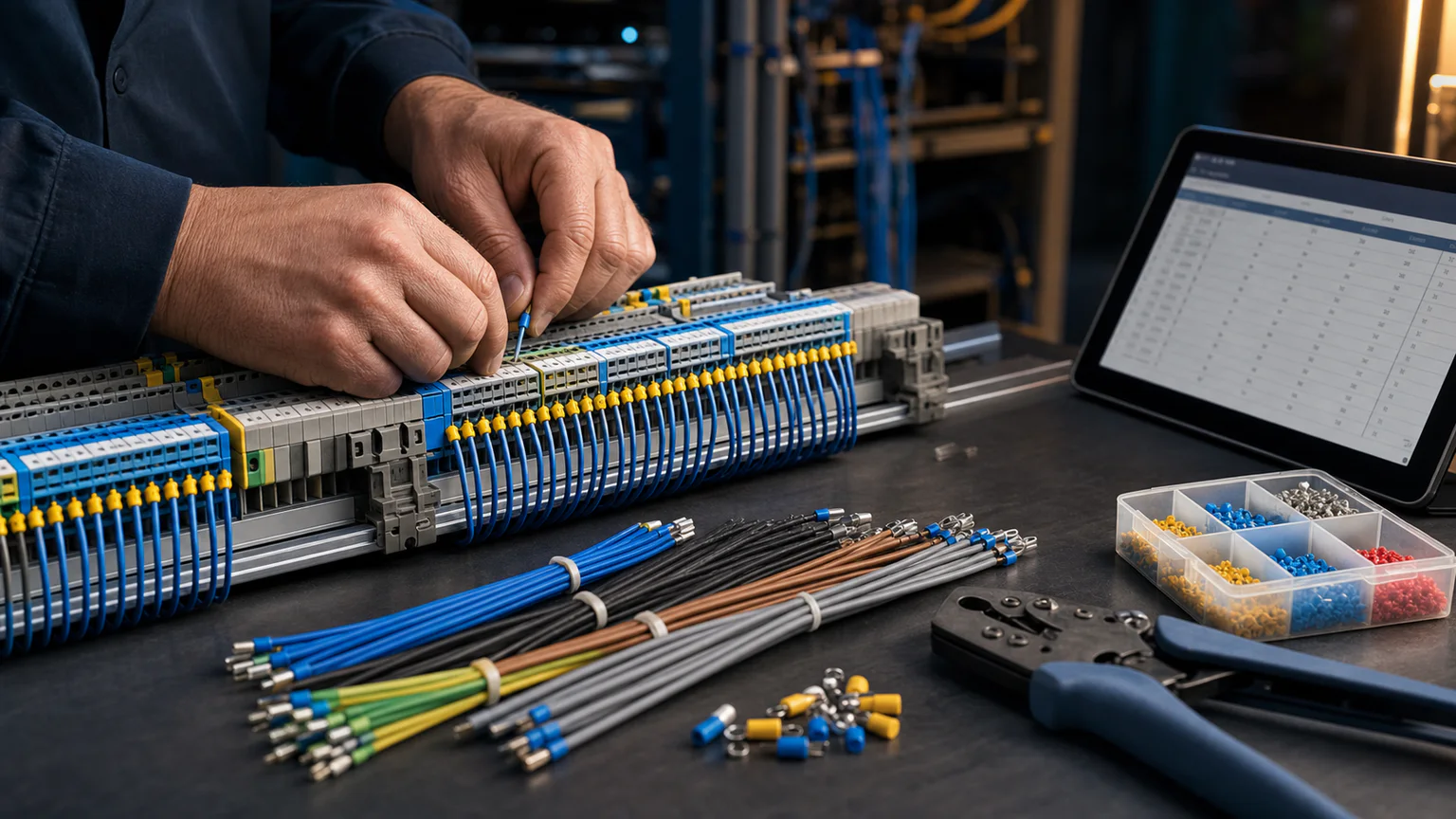


Worked example
A PLC input from a field limit switch may pass through a fuse terminal, signal terminal and common. The schedule records each point, jumper and wire number so the drawing and terminal markers agree.
Step-by-step workflow
- Create terminal strips by location and function
- Allocate terminal numbers and levels
- Map device pins and field conductors
- Add jumpers, shields, disconnects and spares
- Review and export the terminal plan
Outputs and deliverables
- Terminal strip schedule
- Device and pin mapping
- Jumper and commoning record
- Wire-number references
- Marker-ready labels
Quality checks before issue
- Terminal numbering is unique within each strip
- Multi-level terminals identify level and side
- Shield and protective-conductor treatment is explicit
- Jumpers do not hide isolation requirements
- Spare terminals remain visible
Current product and engineering boundaries
- The generic schedule does not select terminal ratings or accessories.
- Creepage, clearance, short-circuit rating and hazardous-area rules require part-specific review.
- Physical ordering must be verified against the assembled rail.
Reviewed 2026-07-30: Product capabilities are first-party facts. Engineering examples are educational and must be verified for the actual project, equipment and jurisdiction.
Frequently asked questions
What is Electrical Terminal Schedule Template used for?
A terminal schedule is the controlled map between internal panel wiring and field connections. It makes terminal identity, strip, level, side, device endpoint, conductor and jumper relationships explicit for assembly, installation and fault finding.
What does this workflow produce?
Terminal strip schedule, Device and pin mapping, Jumper and commoning record, Wire-number references, Marker-ready labels.
What should be checked before using the result?
Terminal numbering is unique within each strip Multi-level terminals identify level and side Shield and protective-conductor treatment is explicit Jumpers do not hide isolation requirements Spare terminals remain visible
What does CircuitDiagramMaker not automate here?
The generic schedule does not select terminal ratings or accessories. Creepage, clearance, short-circuit rating and hazardous-area rules require part-specific review. Physical ordering must be verified against the assembled rail.
Can I continue with an editable project?
Yes. The page links to the closest supported editor, template, calculator, component library, or engineering workspace action.
Build a terminal plan or inspect the current product capability matrix.