Automotive Wiring Diagram Software
Quick answer: Automotive wiring software for custom vehicles should connect circuit intent to fuse selection, relay logic, connector pins, wire identifiers, gauge, color, route length and an assembly-ready from-to list.
User job: Document custom vehicle electrical work and service modifications.
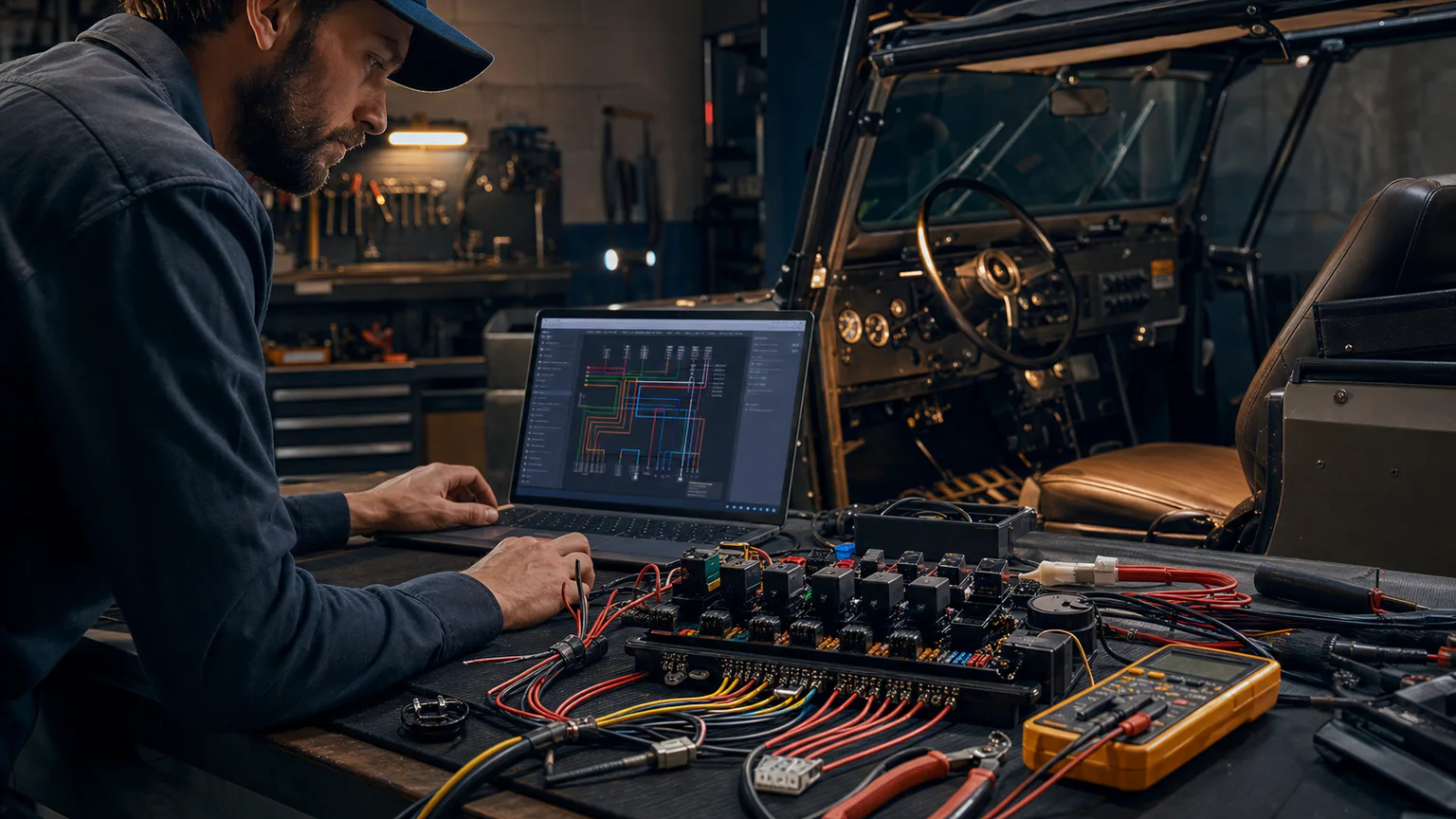


Worked example
A dual-battery accessory system can show the source, isolation, fuse locations, relay or contactor, cable sizes, grounds, loads and connector points, then export labels and a wire list.
Step-by-step workflow
- Define 12/24 V sources and grounds
- Add protection near each energy source
- Place relays, switches, connectors and loads
- Number and size every conductor
- Export the diagram and from-to list
Outputs and deliverables
- Custom vehicle schematic
- Fuse and relay schedule
- Connector pin map
- Wire and cable list
- Service-friendly labels
Quality checks before issue
- Every source branch is protected
- Cranking and continuous currents are distinct
- Ground return paths are explicit
- Wire length and environment affect size
- Connectors meet current and sealing needs
Current product and engineering boundaries
- No OEM make/model/year database is included.
- Vehicle network diagnostics, homologation and manufacturer repair procedures remain external.
- High-energy battery systems require qualified design.
Reviewed 2026-07-30: Product capabilities are first-party facts. Engineering examples are educational and must be verified for the actual project, equipment and jurisdiction.
Frequently asked questions
What is Automotive Wiring Diagram Software used for?
Automotive wiring software for custom vehicles should connect circuit intent to fuse selection, relay logic, connector pins, wire identifiers, gauge, color, route length and an assembly-ready from-to list.
What does this workflow produce?
Custom vehicle schematic, Fuse and relay schedule, Connector pin map, Wire and cable list, Service-friendly labels.
What should be checked before using the result?
Every source branch is protected Cranking and continuous currents are distinct Ground return paths are explicit Wire length and environment affect size Connectors meet current and sealing needs
What does CircuitDiagramMaker not automate here?
No OEM make/model/year database is included. Vehicle network diagnostics, homologation and manufacturer repair procedures remain external. High-energy battery systems require qualified design.
Can I continue with an editable project?
Yes. The page links to the closest supported editor, template, calculator, component library, or engineering workspace action.
Start a custom vehicle diagram or inspect the current product capability matrix.