Electrical Drawing Review, Revision, and Release Workflow
Quick answer: A controlled electrical review workflow connects each comment to the affected drawing context, records who changed what, reruns deterministic checks, and creates an identifiable release package. Version history is useful evidence, but it is not an approval authority or a substitute for the organization’s document-control procedure.
User job: Move an editable drawing through technical review to a traceable handoff.
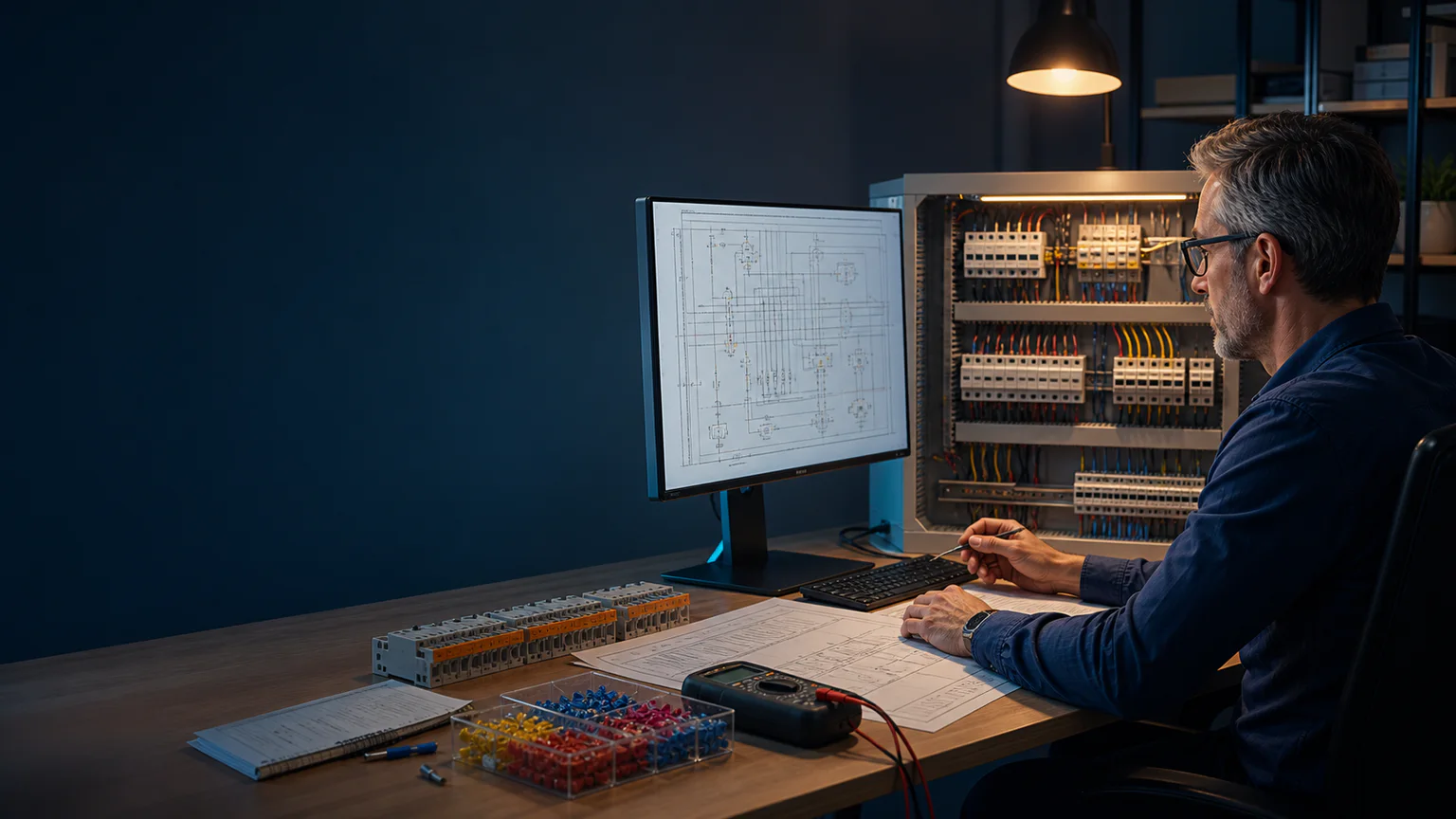


Worked example
A reviewer flags an untagged contactor contact, a missing terminal and an outdated cable core. The designer resolves each anchored comment, reruns connectivity and report checks, then exports a package identified by project and revision.
Step-by-step workflow
- Define the review scope and responsible people
- Invite reviewers and anchor comments to drawing context
- Resolve comments while preserving the discussion trail
- Rerun topology, data, schedule and export checks
- Create and distribute the identified release package
Outputs and deliverables
- Anchored review comments
- Resolved/open issue trail
- Versioned project history
- Release checklist
- Identified drawing and schedule exports
Quality checks before issue
- Review roles and scope are explicit
- Every blocking comment has a disposition
- Schedules regenerate from the reviewed project
- Export files identify project and revision
- Superseded outputs are distinguishable
Current product and engineering boundaries
- CircuitDiagramMaker does not certify engineering approval.
- Formal signatures, transmittals, records retention and regulatory document control may require external systems.
- A version timestamp alone does not prove competent technical review.
Reviewed 2026-07-30: Product capabilities are first-party facts. Engineering examples are educational and must be verified for the actual project, equipment and jurisdiction.
Frequently asked questions
What is Electrical Drawing Review, Revision, and Release Workflow used for?
A controlled electrical review workflow connects each comment to the affected drawing context, records who changed what, reruns deterministic checks, and creates an identifiable release package. Version history is useful evidence, but it is not an approval authority or a substitute for the organization’s document-control procedure.
What does this workflow produce?
Anchored review comments, Resolved/open issue trail, Versioned project history, Release checklist, Identified drawing and schedule exports.
What should be checked before using the result?
Review roles and scope are explicit Every blocking comment has a disposition Schedules regenerate from the reviewed project Export files identify project and revision Superseded outputs are distinguishable
What does CircuitDiagramMaker not automate here?
CircuitDiagramMaker does not certify engineering approval. Formal signatures, transmittals, records retention and regulatory document control may require external systems. A version timestamp alone does not prove competent technical review.
Can I continue with an editable project?
Yes. The page links to the closest supported editor, template, calculator, component library, or engineering workspace action.
Start a reviewable project or inspect the current product capability matrix.